Supplying communications, both Satellite and Wireless to a remote Australian Power Station and the surrounding local community.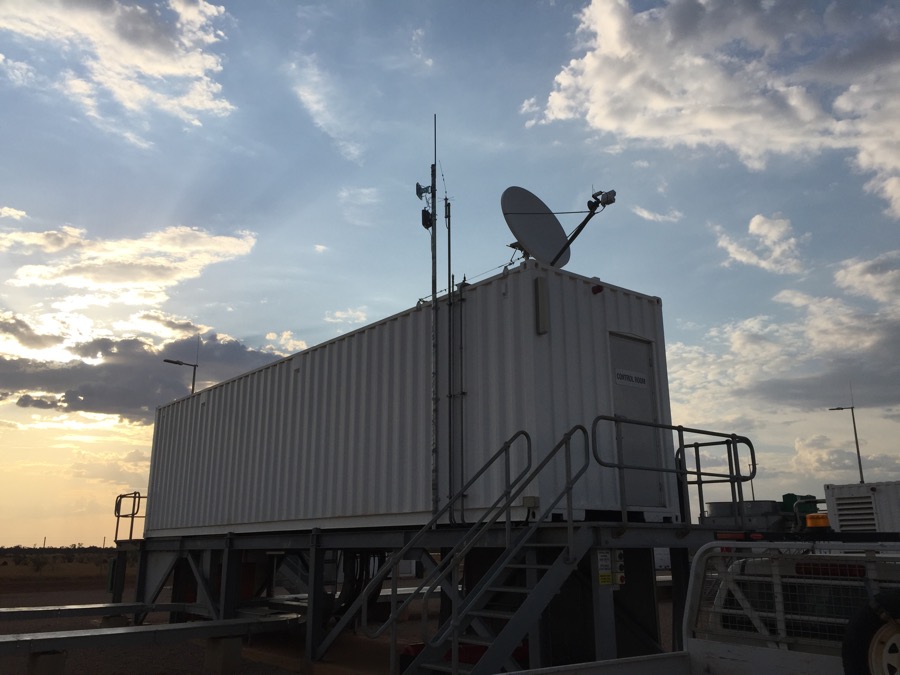
-
+
+
+
+
+
+
-
+
+
+
+
+
+
Basic DHCP Service on a 3560-CX for some remote clients on the end of a wireless link.
SW1#conf t
Enter configuration commands, one per line. End with CNTL/Z.
SW1(config)#service dhcp
SW1(config)#ip dhcp pool SITE-POOL
SW1(dhcp-config)#network 10.1.1.1 255.255.255.0
SW1(dhcp-config)#default-router 10.1.1.1
SW1(dhcp-config)#dns-server 10.2.3.4 10.2.3.6
SW1(dhcp-config)#domain-name ads.somedomain.com.au
SW1(dhcp-config)#lease 8
SW1(config)#ip dhcp excluded-address 10.1.1.1 10.1.1.10
SW1(config)#exitTo view the DHCP bindings:
SW1# show ip dhcp binding
-
A good guide to some of the basics with wireless bridges.
-
+
+
+
+
+
+
-
+
+
+
+
+
+
Doesn’t work – Cisco 😞
-
+
+
+
+
+
+
I was recently asked to design a point-2-point wireless solution which fast became a point-to-multipoint. Regardless of the design the Access Points used were AIR-AP1532E-UXK9 with a vision of utilising the 5Ghz back-haul and a 14dBi directional antenna to cover line-of-sight.
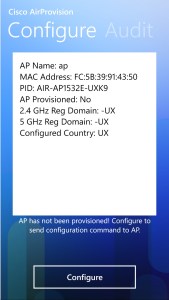
These UX Access Points address the worldwide regulatory compliance by dynamically setting their regulatory domain/country based on their GPS location – sounds simple right and it is important to point out that you can’t use the 5Ghz until the AP has been provisioned, as the 5Ghz stays in Scanner mode.
However, the provisioning of these Access Points is carried out by either the Smartphone method or via WLC. I needed to use my iPhone but the Apple iPhone app was broken (confirmed by Cisco: Bug ID CSCuw28658), nor did the Android App work, but thank you Windows Smart phone :), you saved the day (never thought I would say that).
Followed the User Guide to set the domain. remembering to use the WPA v2 and the default userid/password for AP provisioning and not the SSID Password

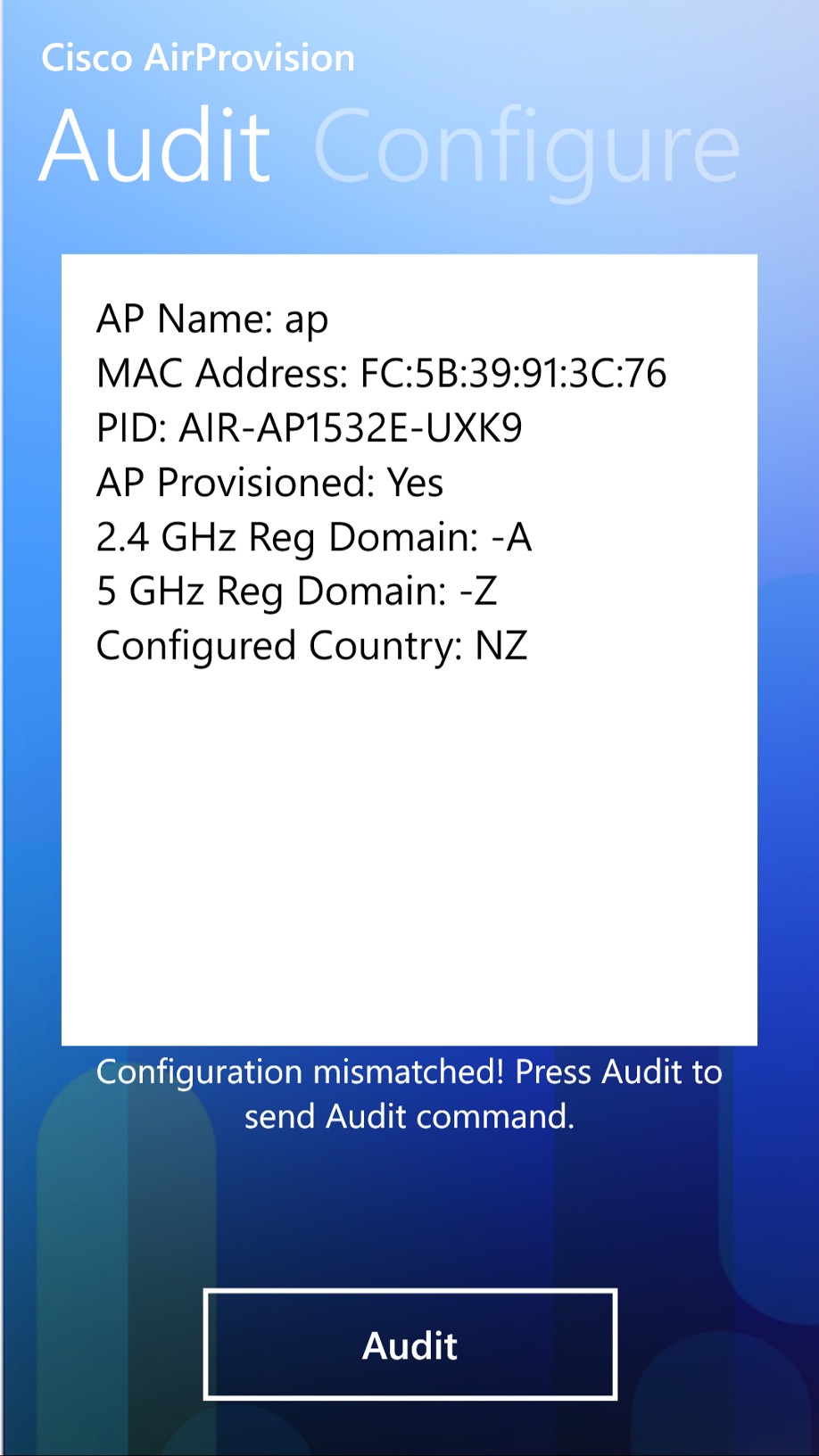
The un-provisioned AP looks like this:
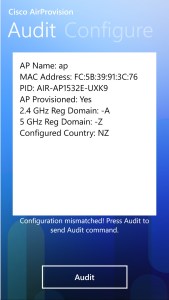
The provisioned AP (to Australia/NZ), looks like this:
Got there in the end but Dear Cisco, I’m unimpressed with the process for provisioning these AP’s, it definitely needs improvement.
-
+
+
+
+
+
+
The tiles are in, my fist floating shelf and a dash of paint – check !

-
+
+
+
+
+
+
It’s been a couple of weeks now and the kitchen is slowly coming together 👍🏼

-
asa01# aaa-server LDAPSERVERS protocol ldap
asa01 (config-aaa-server-group)# aaa-server LDAPSERVERS ([interfacename]) host [ipaddress]
asa01 (config-aaa-server-group)# ldap-base-dn DC=somedomain,DC=com,DC=au
asa01 (config-aaa-server-group)# ldap-scope subtree
asa01 (config-aaa-server-group)# ldap-naming-attribute sAMAccountName
asa01 (config-aaa-server-group)# ldap-login-password *****
asa01 (config-aaa-server-group)# ldap-login-dn CN=VPN_Account,OU=Users,DC=somedomain,DC=com,DC=au
asa01 (config-aaa-server-group)# server-type auto-detectTo verify your configuration:
asa01 (config-aaa-server-group)# test aaa-server authentication LDAPSERVERS host [IPAddress] username [someone] password [password]
This will return an INFO: Authentication Successful 🙂
-
+
+
+
+
+
+
Cisco AnyConnect Secure Mobility Client Administrator Guide, Release 4.0
Configure AnyConnect Secure Mobility Client with Split Tunneling on an ASA – Cisco
Troubleshooting using DART
 MystaJoneS