MystaJoneS

If you're not making mistakes, then you're not doing anything.

  • OK, so what’s the difference between 2.4 GHz and 5GHz wireless?

    2.4GHz frequency is able to reach farther than the 5GHz because the waves attenuate much faster and at higher frequencies.  So if you are more concerned with the coverage, select 2.4GHz rather than 5GHz.

    The second difference is the number of devices on the frequencies. 2.4GHz suffers more interference than 5GHz.
    1. The older 11g standard only uses the 2.4GHz frequency, majority of the world is on it. 2.4 GHz has fewer channel options with only three of them non-overlapping, while 5GHz has 23 non-overlapping channels.
    2. A lot of other devices are also on the 2.4 GHz frequencies, the biggest offenders are microwaves and cordless phones. These devices add noise to the medium that can further decrease the speed of wireless networks.
    In both aspects, choosing to deploy on the 5GHz frequency is the much better option as you have more channels to use to isolate yourself from other networks and there are far fewer interference sources.
    But the radar and military frequency is also 5GHz, so 5GHz wireless may also have some interference, and many countries require that wireless devices working on 5GHz should support DFS (Dynamic Frequency Selection) and TPC (Transmitting Power Control).
     2.4&5ghz
    Summary:
    1. 5GHz has a shorter range compared with 2.4GHz;
    2. The 2.4GHz frequency is way more crowded than 5GHz, devices on 2.4GHz suffer much more interference than the ones on 5GHz;
    3. Fewer devices are capable of using the 5GHz channel than the 2.4GHz channel.

    If there is too much interference around and your clients support 5GHz, it’s recommended to use 5GHz wireless network, otherwise you’d better select 2.4GHz.

    +
  • Configuration Guide to Aironet AP’s; and

    Lightweight AP (LAP) Registration to a Wireless LAN Controller (WLC)

    Getting Started Guide Cisco Aironet 1530 Outdoor Access Points

    Cisco Aironet Universal AP Priming and Cisco AirProvision User Guide

    Scope, Objectives and Expectations

    + , ,
  • One simple management ip entry is all that’s requried before you take a first glimpse at this NetScaler…..noice:)

    First Page

    nsroot/nsroot

    set ns config -ipaddress<IPAddress> -netmask<subnetMask>

    add ns ip<IPAddress> <subnetMask> -type<type>

    add route<network> <netmask> <gateway>

    set system user <userName> -password

    save ns config

    reboot

    …and happy days. Lets configure….

    + ,
  • A while in the making but really happy with it so far! Some lighting and other minor bits and we’re done! Good work Smithy 👍🏼


    +
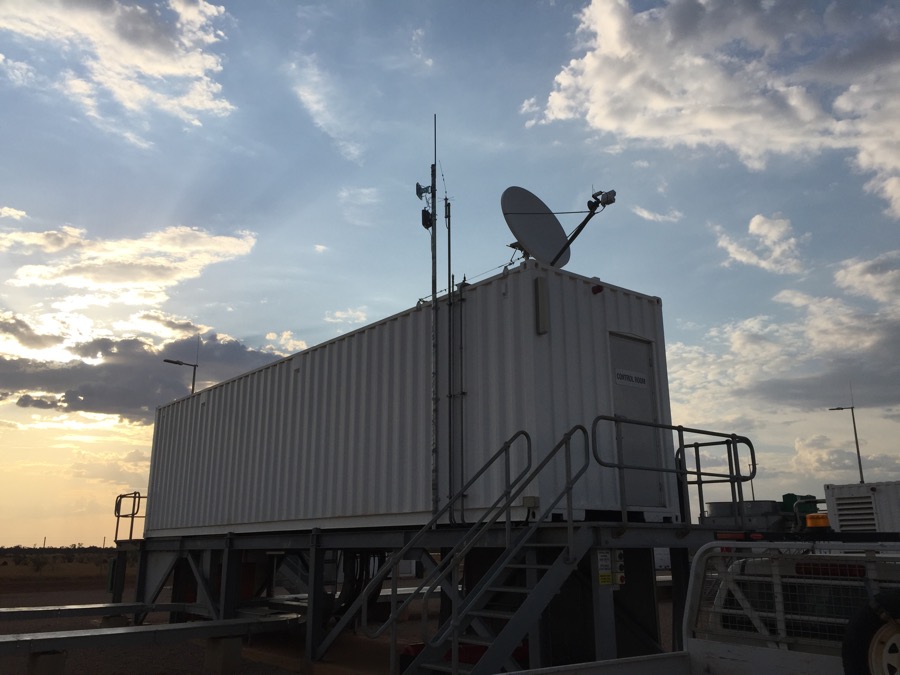
  • Supplying communications, both Satellite and Wireless to a remote Australian Power Station and the surrounding local community. 

    +
  • Basic DHCP Service on a 3560-CX for some remote clients on the end of a wireless link.

    SW1#conf t
    Enter configuration commands, one per line. End with CNTL/Z.
    SW1(config)#service dhcp
    SW1(config)#ip dhcp pool SITE-POOL
    SW1(dhcp-config)#network 10.1.1.1 255.255.255.0
    SW1(dhcp-config)#default-router 10.1.1.1
    SW1(dhcp-config)#dns-server 10.2.3.4 10.2.3.6
    SW1(dhcp-config)#domain-name ads.somedomain.com.au
    SW1(dhcp-config)#lease 8
    SW1(config)#ip dhcp excluded-address 10.1.1.1 10.1.1.10
    SW1(config)#exit

    To view the DHCP bindings:

    SW1# show ip dhcp binding

    + ,
  • A good guide to some of the basics with wireless bridges.

    +
  • Doesn’t work – Cisco 😞

    +
  • I was recently asked to design a point-2-point wireless solution which fast became a point-to-multipoint.  Regardless of the design the Access Points used were AIR-AP1532E-UXK9 with a vision of utilising the 5Ghz back-haul and a 14dBi directional antenna to cover line-of-sight.

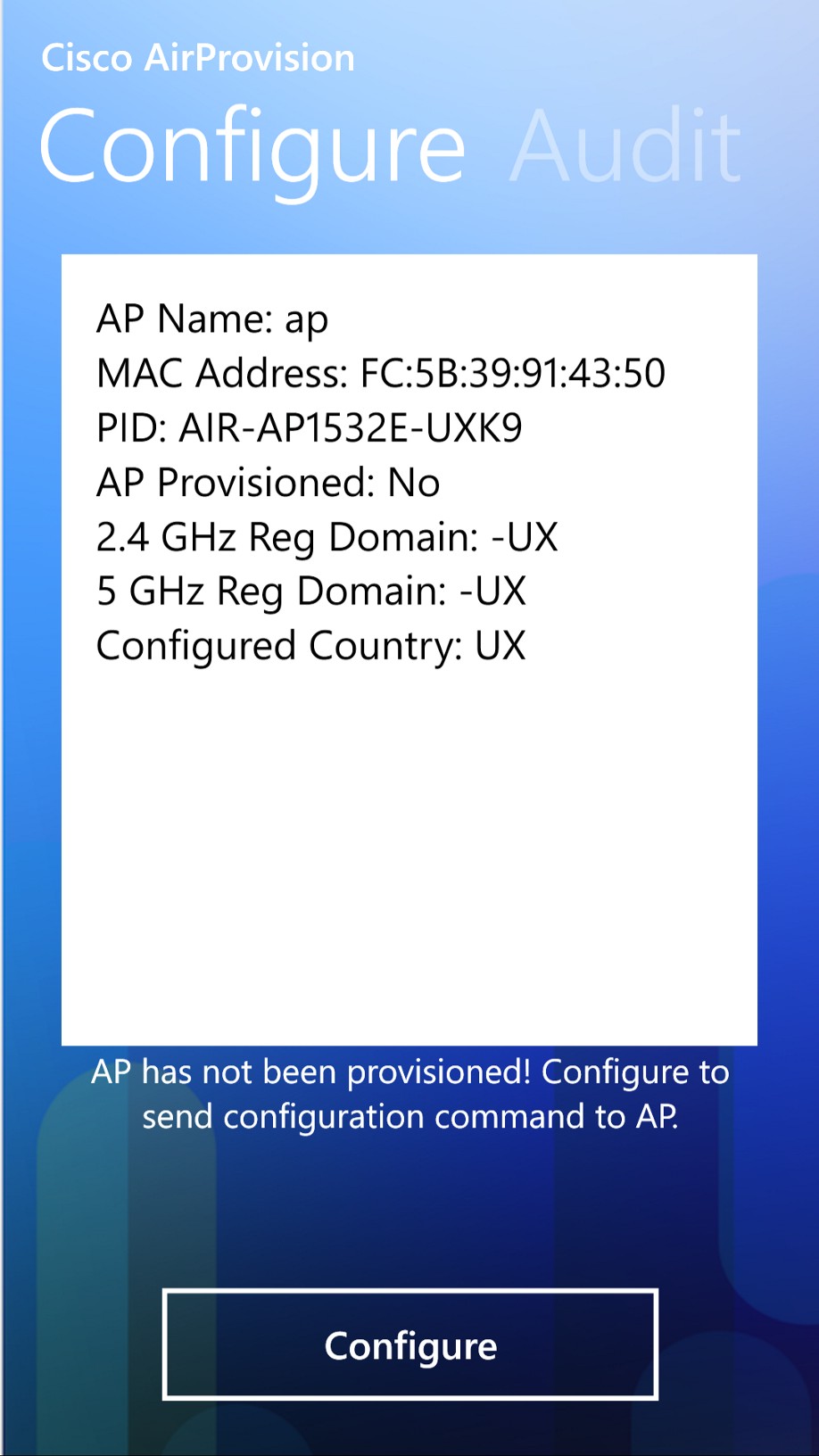
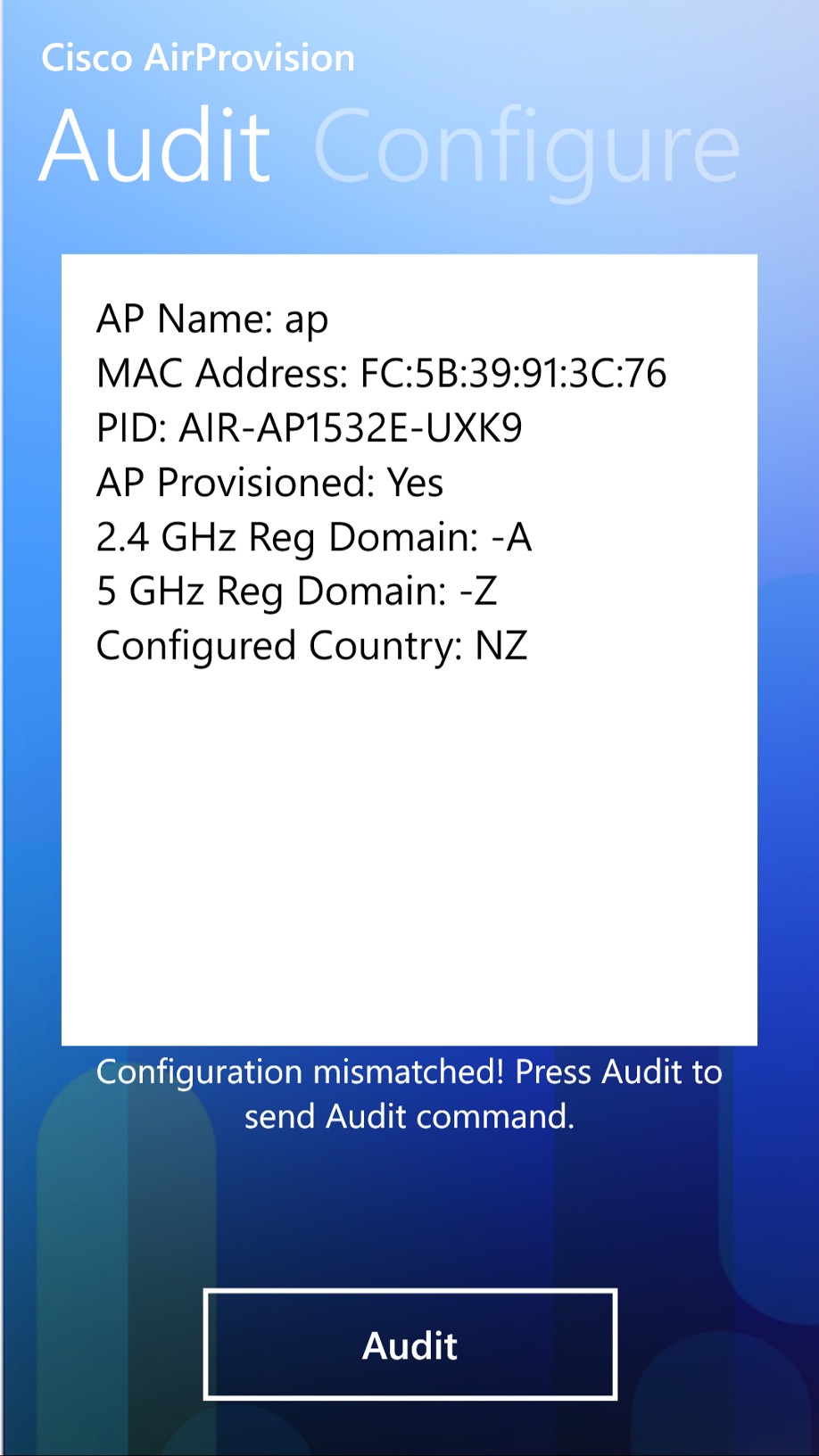
    These UX Access Points address the worldwide regulatory compliance by dynamically setting their regulatory domain/country based on their GPS location – sounds simple right and it is important to point out that you can’t use the 5Ghz until the AP has been provisioned, as the 5Ghz stays in Scanner mode.

    However, the provisioning of these Access Points is carried out by either the Smartphone method or via WLC.  I needed to use my iPhone but the Apple iPhone app was broken (confirmed by Cisco: Bug ID CSCuw28658), nor did the Android App work, but thank you Windows Smart phone :), you saved the day (never thought I would say that).

    Followed the User Guide to set the domain. remembering to use the WPA v2 and the default userid/password for AP provisioning and not the SSID Password :-/

    The un-provisioned AP looks like this:

    wp_ss_20150918_0008

    The provisioned AP (to Australia/NZ), looks like this:

    wp_ss_20150918_0001

    Got there in the end but Dear Cisco, I’m unimpressed with the process for provisioning these AP’s, it definitely needs improvement.

    + ,